If you’re looking for help desk software, then this blog is for you. If you run a small business, you already know the deal: customers want answers, and they want them fast.
Doesn’t matter if you’re running an online store, a SaaS company, an IT service, or a local agency. People expect quick replies, clear updates, and a bit of professionalism. Miss the mark, and they’ll just move on to someone else.
Most small business owners start out with Gmail, maybe some spreadsheets, and even WhatsApp for support. It works for a while. But as the questions pile up, things get messy. Emails vanish, follow-ups get missed, and customers lose patience.
That’s where help desk software comes in.
This guide breaks down what help desk software actually does, why it’s important for small businesses, which features are worth your time, and how to pick the right one without draining your budget.
What Is Help Desk Software, Really?
Help desk software takes every customer question and turns it into a ticket.
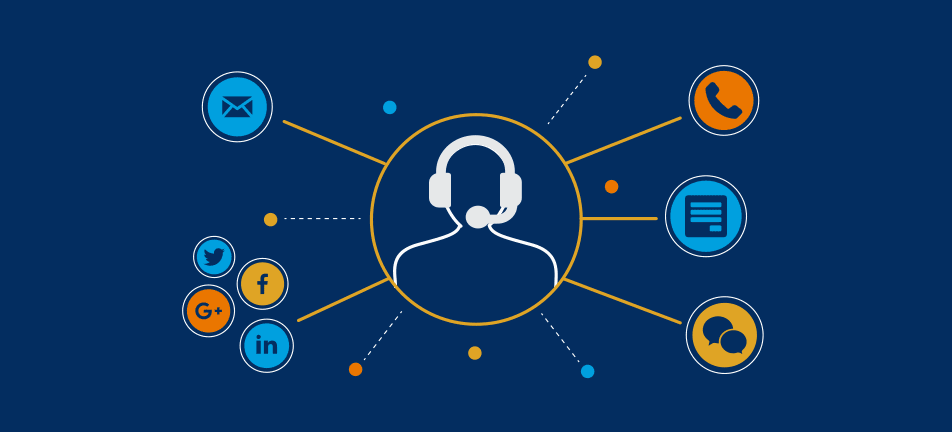
Instead of juggling a bunch of inboxes, every message, email, chat, and contact form lands in one spot as a ticket. You can assign it, set the urgency, add private notes, and track it until you’ve solved it.
Think of it as your customer support HQ.
For growing small businesses, this kind of structure is the difference between chaos and actually feeling in control.
Why Small Businesses Need a Help Desk
A lot of people think help desk software is just for big companies. Honestly? Smaller teams need it even more because you don’t have time to waste.
Here’s why it matters:
1. You Stop Losing Customer Messages
Everything’s in one place. Nothing gets lost. No more “I never got your email” headaches.
2. You Respond Faster
Most systems alert your team as soon as a new ticket comes in. Some even automatically sort and prioritize them.
Quicker replies mean happier customers. Simple as that.
3. Your Team Stays Synced
Forget endless email chains. Everyone sees the same dashboard. Internal notes let you work together without confusing your customers.
4. You Look More Professional
A proper system builds trust. Customers get ticket numbers and updates, so they know you’re on it.
5. You Save Money
Good automation means less manual work. You get more done with the same team rather than hiring more people.
Features That Actually Matter
Let’s be honest—not all help desk software is worth your time. Some are packed with features you’ll never use.
Here’s what’s actually useful:
Ticket Management
This is the core. Every question becomes a ticket. You can:
- Assign it to a teammate
- Set priority
- Track how long it takes to fix
- See what’s still open
If ticket management isn’t strong, nothing else matters.
Automation
Automation saves time. Look for things like:
- Auto-assigning tickets
- Canned replies for common questions
- Rules that escalate tickets if nobody answers
Even a little automation goes a long way.
Knowledge Base
A self-service help section lets customers fix simple stuff themselves.
That cuts down repeat questions and keeps people happy. Plus, a strong knowledge base helps your website rank higher on Google.
Live Chat
If you’re selling online, live chat helps close sales. Many systems now offer chatbots to answer questions 24/7.
Reporting & Analytics
You want to know:
- How fast do you reply
- How long does it take to close tickets
- Customer satisfaction scores
- Team performance
Tracking these numbers helps you keep improving.
Cloud-Based vs On-Premise: What Fits You?
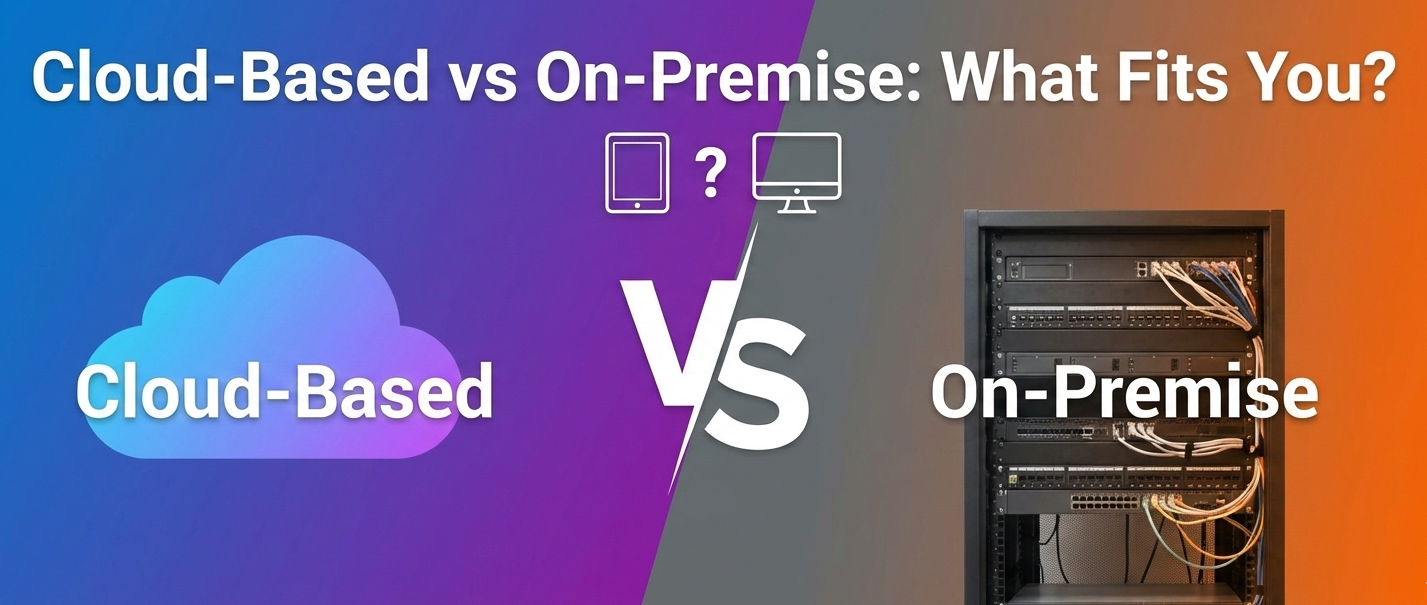
Most small businesses do better with cloud-based help desks.
They’re cheaper, easier to set up, and you don’t have to worry about maintenance. Updates happen automatically, and your team can log in from anywhere.
On-premise gives you more control, but it’s pricey and needs some IT know-how. Most small teams just don’t need it.
Popular Help Desk Software
There are a handful of big names, each with its own angle.
Zendesk
Big, powerful, and built to scale. Lots of automation and good analytics.
Freshdesk
A go-to for startups. Easy to use, solid features, fair price.
Zoho Desk
Best if you’re already using Zoho tools. Everything connects smoothly.
HubSpot Service Hub
Great if you’re focused on inbound marketing. Deep CRM integration is the highlight.
Help Scout
Designed for smaller teams who want straightforward, no-nonsense support.
The best choice is the one that fits your workflow and your budget. Don’t overthink it—pick what matches your business now, and build from there.
Step-by-Step Guide to Choosing the Help Desk Tool
Selecting a help desk shouldn’t be random. Here’s a systematic approach:
1. Define Your Support Needs
Ask yourself:
- How many support agents will use the system?
- What channels do customers contact you through?
- Do you need automation?
- Do you want self-service knowledge collections?
- Mapping needs first saves money and time.
2. Set a Budget
Decide your price range. Keep in mind:
- Features you need vs want
- Per-user pricing vs. tiered plans
- Add-on costs (AI, reporting, integrations)
3. Try Before You Buy
Most tools offer free plans or trial periods. Use them to:
- Test workflows
- Import sample tickets
- See how easy the interface feels
This helps avoid buyer’s remorse.
4. Check Compatibility With Existing Tools
If you already use:
- Shopify
- WordPress
- Stripe/PayPal
- CRM tools
- Slack/Teams
Make sure your help desk integrates well with them.