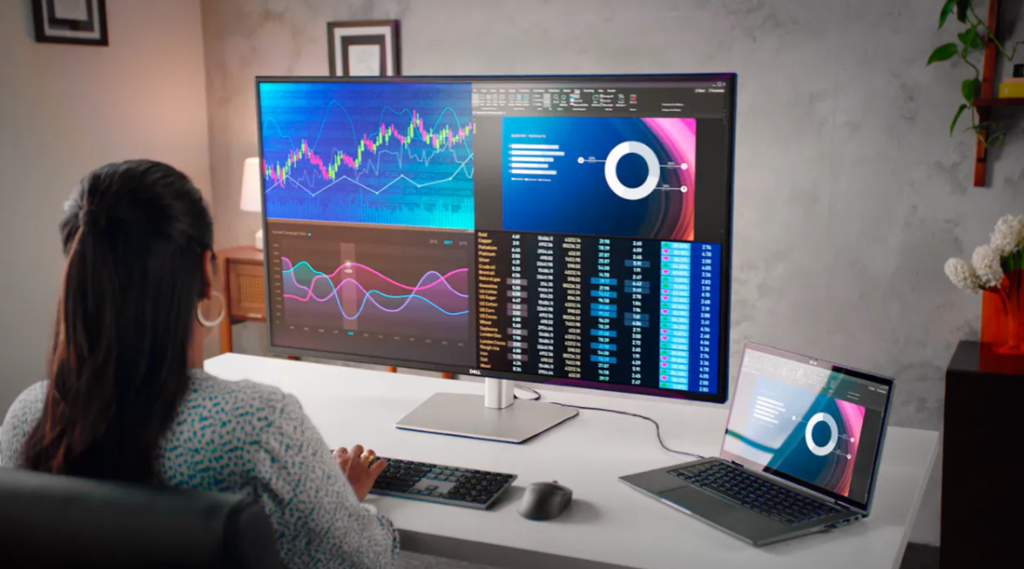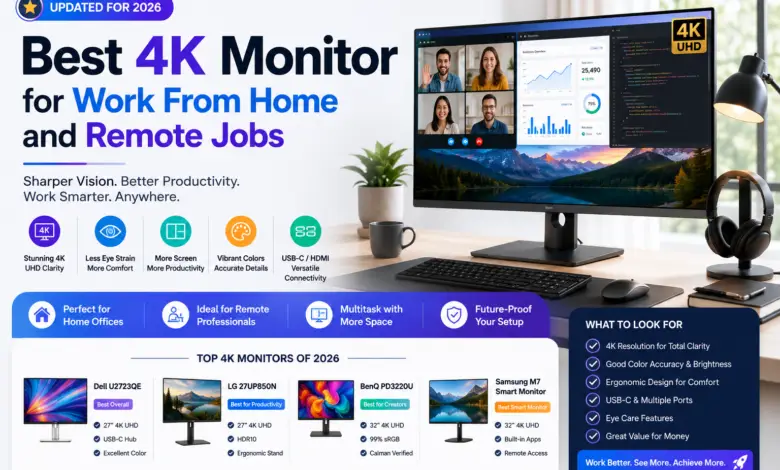
In 2026, choosing the right monitor for work from home is one of the most important decisions for remote workers. Your monitor is not just a screen anymore; it is your primary productivity tool, communication center, and workspace base in the USA and all over the world. Whether you’re attending Zoom meetings, managing spreadsheets, creating designs, or handling client communication, the right display can make a significant difference in your efficiency and comfort.
For people who work long hours, a good Monitor for work from home is crucial. It may cause eye strain, headaches, diminished productivity, and even chronic posture problems if it is not displayed properly. That is why professionals are now turning to the 4K monitors, which provide better image clarity, more screen space, and a better multitasking experience.
In this guide, you will discover the best 4K monitor for teleworkers, the real-life advantages of this technology, and how to pick the correct home office monitor for your requirements.
Why Choosing the Right Monitor for Work From Home Matters
A modern monitor for work from home is more than a monitor that shows your computer screen. It affects performance and productivity, ease of working for long hours, and multi-tasking. A remote position may involve working with documents, video conferencing, and switching applications. This process is difficult and time-consuming with a poor-quality monitor.
The 4K display makes for better clarity and workspace. Text becomes sharper, images more detailed; fit more windows on screen without loss of readability. It is particularly useful for professionals who have to multitask in their work from a home computer setup.
One of the other great things is less eye strain. Most of the current monitors have blue light filter and flicker-free features that make them better ergonomic monitors for work. It is very important for anyone who works in front of a screen for 8-10 hours a day.
Best Overall Monitor for Work From Home Productivity
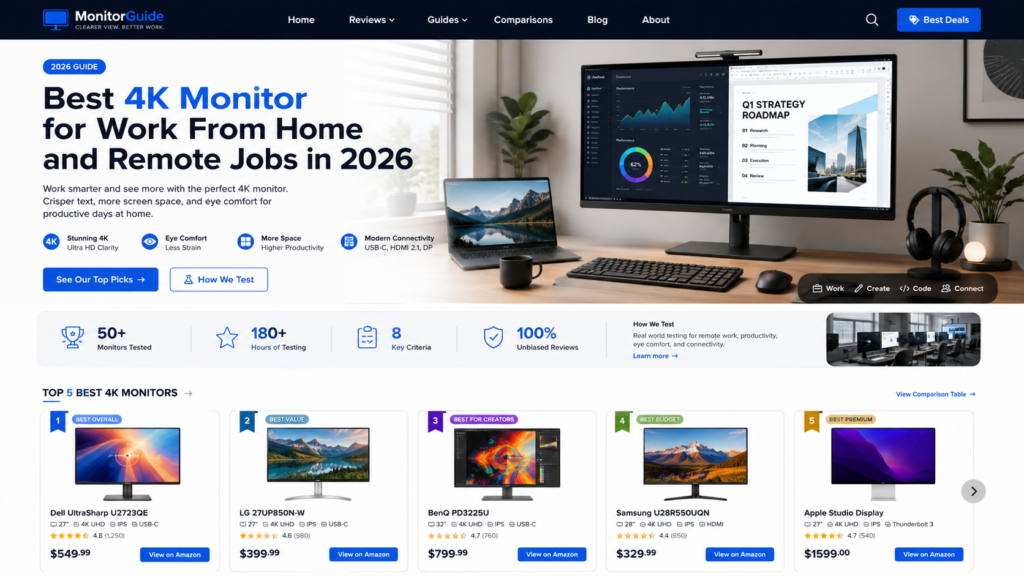
Dell UltraSharp U2723QE – Premium Choice for Remote Professionals
Dell UltraSharp U2723QE is among the best professional monitors for work-from-home in 2026. It promises to offer a remarkable 4K resolution with a superb level of clarity, which makes it perfect for office work, content creation, and multitasking environments.
This monitor’s special feature is the ComfortView Plus technology that helps to filter out harmful blue light while preserving color accuracy. This means that you can work longer hours without eye fatigue, making it the ideal work ergonomic monitor.
It also supports USB-C, which enables users to power, display, and connect their laptops with a single cable. This eliminates clutter, provides an efficient home office monitor setup, and increases productivity. The fully adjustable stand offers height adjustment, tilt, and rotation range, making it one of the most comfortable monitors to work long hours in front of.
Best Budget Monitor for Work From Home Users
Samsung ViewFinity S80A – Affordable 4K Productivity Monitor
Samsung ViewFinity S80A is a great value for money for those who need a work-from-home monitor that can be relied upon while not spending a lot of money. It provides powerful 4K images that exceed the requirements for any workday at the office, browsing, meetings, or handling documents.
Despite the fact that it’s a low-cost item, it’s still a decent productivity monitor, particularly for freelance, students, or entry-level remote workers. The display is optimized to minimise eye strain during extended working hours, and can be used in a basic remote working setup.
This monitor is a good choice for anyone who doesn’t have special needs and wants to configure an easy to set up work from home monitor setup. It provides a stable performance, good brightness levels, and a comfortable viewing experience for everyday tasks.
Best 4K Monitor for Office Work and Multitasking
LG 27UP850-W – Balanced Performance for Professionals
The LG 27UP850-W is one of the best options for professionals who require a balanced Monitor for Work From Home experience. It offers a 27″ 4K screen with sharpness that is second to none and ample screen area for multitasking, making it a perfect option for office productivity.
This monitor is beneficial for spreadsheet, report, presentation, and multi-app users. It also offers USB-C connectivity, making your work-from-home monitor setup easier and more efficient by cutting down on cable usage.
IPS panels are known for providing a rich viewing experience that maintains consistent color and offers a broad viewing angle, particularly suitable for video conferencing and collaborative sessions. It’s definitely one of the most convenient and best monitors for remote work for any professional who requires reliability and performance.
Best Monitor for Creatives and Advanced Productivity
BenQ PD2725U – Precision and Professional Performance
The BenQ PD2725U is built for users who need high color accuracy and advanced multitasking in a monitor for work-from-home. It is particularly favored by designers, architects, video editors, and web developers.
The 4K calibrated display guarantees accurate colours, suitable for creative and professional tasks. It also adds USB-C and Thunderbolt for enhanced connectivity to boost laptop users’ workflow.
Its ergonomic design makes it comfortable to work for long periods of time. It’s known for its robust functionality and visual appeal, making it a top productivity monitor option for 2026.
Best Monitor for Eye Comfort and Long Working Hours
ASUS ProArt Display PA279CV – Eye-Friendly Professional Monitor
The ASUS ProArt Display PA279CV is designed for professionals who value comfort and accuracy with their Monitor for Work from Home. It has a great 4K resolution and factory-calibrated color accuracy.
It’s one of the most beneficial features, which is eye comfort. It features advanced flicker-free technology and low blue light modes, which are perfect for long work hours. This means it can be a great ergonomic monitor for work, particularly for those who suffer from eye strain during remote work.
With its portable design and high-quality display performance, it is an excellent option for designers, writers, and office workers looking for a long-lasting home office monitor solution.
Best Ultrawide Monitor for Work From Home Setup
LG 34WN80C-B – Multitasking Power in One Screen
LG’s LG 34WN80C-B is a popular ultrawide option for professionals who require a more productive Monitor for Work From Home. This ultrawide monitor offers a seamless workspace for multitasking, rather than relying on two monitors.
It is particularly convenient for users who use several applications simultaneously, like communication tools, spreadsheets, and browsers. This not only makes the work more efficient, but it also makes the setup of the work-from-home monitor cleaner.
It is convenient and productive thanks to its ergonomic design and USB-C connectivity. This ultrawide monitor is a great option for remote workers looking for quick and easy without compromising quality.
Conclusion
For those who work remotely, selecting the right monitor for work from home in 2026 is crucial. Wearing a good monitor can boost productivity, decrease eye strain, and increase overall work efficiency. The higher-end models, such as the Dell UltraSharp U2723QE, fit the “high quality” category, while the models, such as the Samsung ViewFinity S80A, are more in the “budget” range of monitors available.
The setup of the home office monitor is not a mere matter of having a screen; it’s about creating a comfortable and productive environment. Whether you’re looking for a large, wide display such as the LG 34WN80C-B or a high-performance screen like the BenQ PD2725U, the right display can make all the difference in the world.
In conclusion, investing in the right monitor for work from home is an investment in productivity, comfort, and long-term success.