
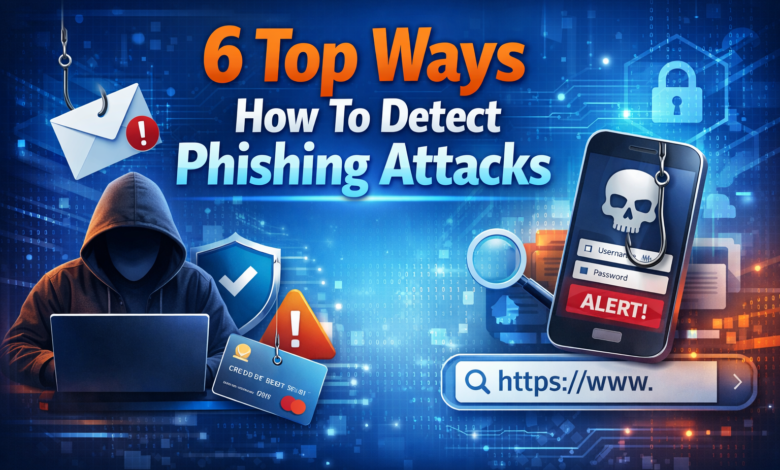
Cybercrime is evolving rapidly, and one of the most common threats individuals and businesses face today is phishing. Millions of people are receiving bogus emails, messages, or websites every day that are meant to steal their personal information. Such uncommon tricks are referred to as phishing attacks, and they are becoming increasingly sophisticated year by year.
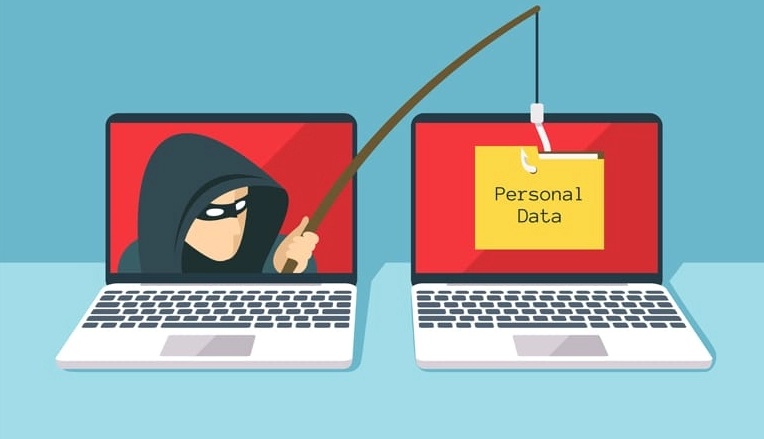
Put simply, phishing is a form of cyberattack in which perpetrators masquerade as reputable institutions to deceive victims into providing confidential data, such as passwords, bank account details, or credit card numbers. These frauds usually come in the form of emails, text messages, or even bogus sites that are nearly identical to authentic ones.
Phishing attacks are so dangerous because they depend not on technology but on human behavior. Even those with strong cybersecurity protections are likely to fall victim to the attack if they unknowingly open a malicious link or disclose confidential data. In this guide, we’ll discuss how phishing works and the best methods to identify phishing attacks before they cause severe impacts.
Understanding What Phishing Attacks Are
It is necessary to know the mechanics of phishing scams before being educated on how to identify them.
Phishing attacks are designed by cybercriminals to be convincing and appear legitimate. They usually masquerade as reputable companies, including banks, social networking sites, delivery companies, or online shops. These messages typically instigate a sense of urgency that leads victims to respond without thinking.
One such example is an email purporting to be from your bank that says your account has been locked and that you need to click a link to confirm your identity. The connection opens a spam site that appears to be identical to the bank’s official site. After the victim provides their login information, the attacker steals the data and gains access to the actual account.
There are even more sophisticated phishing scams. Hackers can study their victims and design individual messages that seem very authentic. It is sometimes referred to as spear phishing and may be very challenging to recognise.
The first step in avoiding phishing attacks is understanding these tactics.
Check the Sender’s Email Address Carefully
The sender’s email address is one of the simplest ways to detect phishing emails.
Hackers tend to develop addresses similar to official ones and make minor alterations. To illustrate this, an attacker who has masqueraded as PayPal may send an email in the name of something like support@paypaI.com, in which the letter l is replaced by an uppercase I.
At first sight, these minor variations may be hard to perceive. Nevertheless, the sender’s domain can also be used to detect suspicious messages by carefully checking it.
An authentic organisation tends to send the emails using its official domain name. When the sender’s address is odd or randomly generated, or belongs to a free email provider (Gmail, Yahoo, etc.), this can also indicate a phishing attack.
By paying attention to these details, you can be able to identify phishing attacks before exposing yourself to harmful materials.
Search Urgent/Threatening Language.
Another trick used in phishing is the appearance of urgency. Attackers want victims to respond quickly without giving it a second thought or verifying the message.
Most phishing attacks also include warnings such as “Your account will be suspended immediately” and “You must verify your information within 24 hours.” The message targets are meant to evoke fear or panic so that the recipient clicks links or submits information without questioning the request.
Genuine companies will hardly compel users to provide sensitive information at this point. If a message is urgent or has the potential to cause adverse effects, one should take the time to verify its authenticity.
By taking the time to critically examine the message, you are likely to avoid falling victim to phishing scams.
Checking URLs before clicking.
Diverting victims to counterfeit websites is one of the most common methods attackers use to steal information.
These fake sites appear almost similar to authentic sites. The URL might, however, show minimal differences, such as additional characters or unusual domain extensions.
For any link, hover your mouse cursor over it to see the full web address. If the connection does not correspond to the company’s site that the website promises to represent, it may be part of a phishing attack.
In most phishing attacks, the connection will be redirected to a site that collects login credentials or personal information. The attacker can access the victim’s accounts once the victim enters this information.
Watch for Poor Grammar and Spelling
Many phishing messages originate from cybercriminals operating in different parts of the world. As a result, these messages often contain grammatical errors, awkward sentences, or unusual formatting.
Phishing messages are sent by numerous cybercriminals worldwide. Consequently, these messages tend to be grammatically incorrect, clumsy or oddly formatted.
Although some phishing campaigns are professionally written, it is still possible to notice poor language quality in some advanced phishing campaigns.
If an email, purportedly from a larger enterprise, has telltale spelling errors or odd wording, it may well be a phishing attempt.
Organisations normally scrutinise formal communications and then forward them to customers. Thus, the phishing attacks can sometimes be reflected in poorly written messages.
But one should keep in mind that not all phishing messages contain errors; hence, this technique has to be used alongside other detection procedures.
Be Careful with Unexpected Attachments
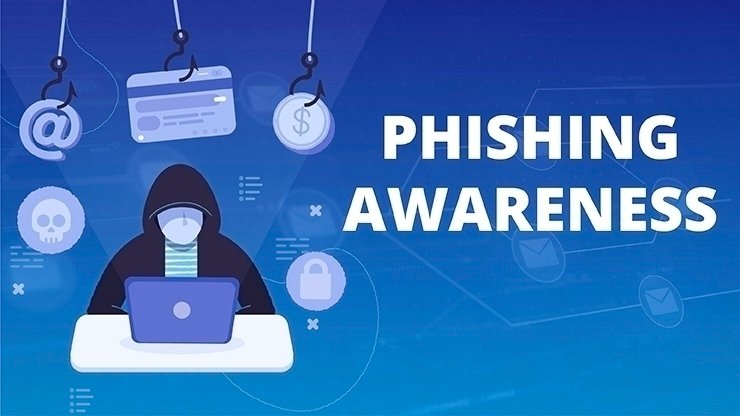
Another frequently used instrument in phishing is the attachment. Attackers can attach files such as invoices, reports, or other documents. The attachment can install malicious software on the victim’s device when it is opened.
This malware may steal passwords, wiretap, or grant attackers remote access to the system.
When you get an unwanted attachment, especially by a stranger, then it is advisable not to open it. Although the message may appear to be from someone you know, the best way to keep things secure is to confirm with the sender before opening the file.
Many phishing attacks rely on malicious attachments to infect computers and steal sensitive information.
Check Requests for Sensitive Information.
Customers are rarely asked to send sensitive information via email or text messages to legitimate organisations.
When you receive a message that requires you to provide passwords, bank details, or any personal information, you should always verify it through the official channels.
For example, do not click a link in the message; instead, go directly to the company’s official site or customer service.
Hackers rely on the fact that victims believe what they say. Independent verification of requests will help you to avoid phishing attacks and unauthorised access to your accounts.
How Businesses Can Protect Against Phishing
Companies should implement proactive measures to save the workers and systems against phishing attacks.
Cybersecurity training would help employees recognise suspicious email content and avoid engaging in risky activities. There should also be security policies that encourage employees to report suspicious messages as soon as they arise.
There is also a risk of successful phishing campaigns, which can be minimised with email filtering systems, advanced threat detection tools and secure authentication methods.
By integrating technology and education, businesses can significantly minimise the impact of phishing attacks.
Conclusion
Phishing is among the most common and perilous types of cybercrime today. The scams stem from people’s cheating and mistakes, and it is hard to prevent them solely through technology.
Knowing how to identify suspicious emails, check requests for sensitive information, and scrutinise links can help people avoid becoming victims. Simultaneously, security tools and multi-factor authentication offer additional protection against cyber threats.
With the further development of digital communication, consciousness will be the strongest protection against phishing attacks. Through online awareness and vigilance, individuals and institutions can protect their information and avoid costly security breaches.
What are the typical indications of phishing attacks?
The warning signs of phishing attacks include suspicious email addresses, urgent messages requesting immediate action, unexpected attachments, and links that take one to a site one has never visited before. Messages with poor grammar or unusual formatting can also indicate a phishing attempt.
What can be done to protect against phishing attacks?
To prevent phishing, users must verify email addresses, avoid clicking suspicious links, enable multi-factor authentication, and install the latest security software. The rule is not to share personal and financial details via mail or on websites that one does not know.
What is driving the occurrence of phishing?
Phishing attacks are on the rise due to the ease with which cybercriminals can send a large volume of spam emails and create highly authentic-looking websites. These scams have also become more believable and harder to detect due to new technologies and social engineering tactics.
What would you do in case you fall victim to phishing attacks?
When you suspect you have been the victim of a phishing attack, change your passwords immediately, contact your bank or service provider, and enable additional security features such as multi-factor authentication. It is also possible to report the incident to avoid additional damage.






One Comment