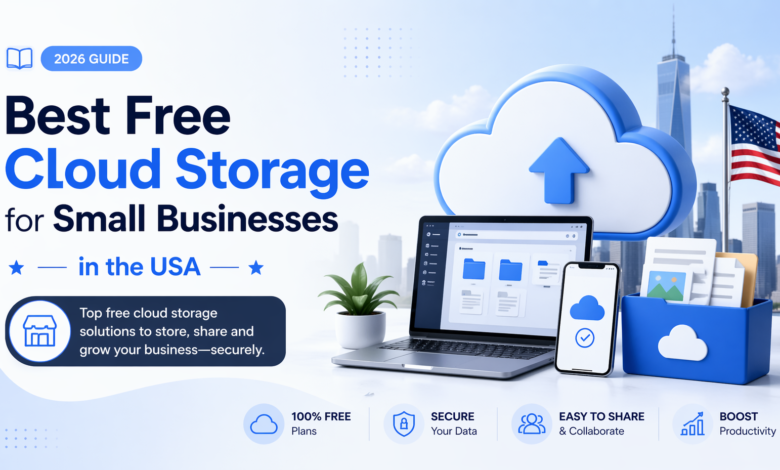
Why Cloud Storage Matters More Than Ever?
Managing a small business nowadays involves managing a stream of information all the time: documents with clients, financial documentation, marketing resources, and internal files. It may be difficult to control all this effectively without spending a lot of money. This is where cloud storage is necessary.
Businesses in the USA are also increasingly using free cloud storage as an alternative to physical storage or old systems. Such platforms are not only cost-saving but also provide flexibility, security and smooth cooperation. Initial free is usually the best step to take, particularly in the case of small businesses.
This guide discusses the most appropriate free cloud storage services that can be used and makes you aware of the one that suits your business.
Understanding Cloud Storage for Small Businesses
What is Cloud Storage?
Cloud storage is an online tool that enables companies to save information on the Internet rather than offline. This implies that you can access your files anytime and anywhere, provided there is an internet connection.
Why small businesses use free cloud storage.
To a startup and a business, each dollar matters. Free cloud storage can remove the cost of the infrastructure and yet provide powerful tools for file management and sharing. It also enables businesses to trial plans prior to investing in paid plans.
Google Drive: The Ultimate Workspace in Groups.
Google Drive is one of the most popular cloud storage systems in the USA. It has gained popularity due to its ability to integrate storage with productivity tools.
The small businesses will have 15 GB of free storage, where they will store their documents, images, and videos, as well as create content within the platform. It is so easy to collaborate in real-time with Google Docs, Sheets, and Slides.
The simplicity of Google Drive is one of the features that make it useful to small businesses. Without the use of extra software, teams are able to share files in real time, manage permissions, and collaborate with each other. Google Drive is usually the first option when it comes to businesses that are interested in an all-in-one solution.
Dropbox: Easy and Fast File Exchange.
Fast, reliable and easy to use are the attributes that have established the reputation of Dropbox. Though its storage capacity is limited to just 2 GB of free storage, the speed and ease of use make it a good competitor.
Small companies with many clients or employees who need files regularly with clients or colleagues will find the clean interface and fast syncing features of Dropbox useful. It also minimizes the friction that is normally involved in file transfer, and this makes workflows smoother.
Although the storage space is minimal, most companies adopt the use of the dropbox and other cloud storage services in conducting certain duties, such as sharing files and backups.
Microsoft OneDrive: Best in Office-Based Workflow.
OneDrive is a natural extension of Microsoft Office to those businesses already using it. It is compatible with Word, Excel and PowerPoint and hence is efficient in managing documents.
OneDrive has 5 GB of free storage, which is sufficient to store important business documents. Its automatic backup and secure sharing options are added to make it even more convenient.
OneDrive tends to be the most convenient cloud storage platform to use by small businesses that use Microsoft solutions extensively because it allows all the data to be stored in a single ecosystem.
pCloud: Privacy and Security are a Strong Focus.
Any business is more concerned with security, and pCloud has a powerful focus on data protection. It has a balance in storage capacity since it offers up to 10 GB of free storage, as well as a balance between space and security.
The only difference with pCloud is that it has optional client-side encryption, which means that only you can access your files. This renders it a good alternative to companies that deal with sensitive information.
PCloud also provides easy media management and file versioning, besides security, which enables businesses to handle their data more efficiently.
MEGA: Generous Storage for Data-Heavy Businesses
MEGA can be a popular choice when a company requires a substantial storage capacity free of charge. It also has a big storage capacity (up to 20 GB) when compared to many of its competitors.
This is especially applicable in small business organizations handling huge files like videos, design materials or databases. Privacy is also a focus of MEGA, which provides end-to-end encryption, keeping your data safe.
MEGA is an attractive option to businesses that are concerned about storage capacity, but not incurring expenses within a short time.
Box: Structured Business Collaboration.
The box is built specifically to cater to businesses. It does not emphasize collaboration and workflow management as much as some other cloud storage platforms do.
Box has 10 GB of free storage, enabling teams to organize files, assign permissions, and simplify processes. It is compatible with other business applications, hence it is applicable to firms with more formal business operations.
A box can be helpful to small businesses that are rapidly growing and need to keep their organization and team productivity high.
How to Select the Right Cloud Storage for Your Business.
Storage that Fits Your Needs.
All businesses have varied storage needs. Others can require a large amount of space to store big media files, whereas others concentrate on documents and spreadsheets. Knowing what you need will reduce the ideal choice.
Security and Compliance.
One should not disregard data protection. By selecting a cloud storage company that is highly encrypted and secured, your business data will remain secure.
Testing Ease of Use
A site that cannot be easily navigated may slow your productivity. Intuitive interfaces ensure that small businesses can quickly adapt to the interfaces.
Considering Integration Capabilities.
The most effective cloud storage applications are compatible with the tools that you already have. This minimizes friction and enhances efficiency.
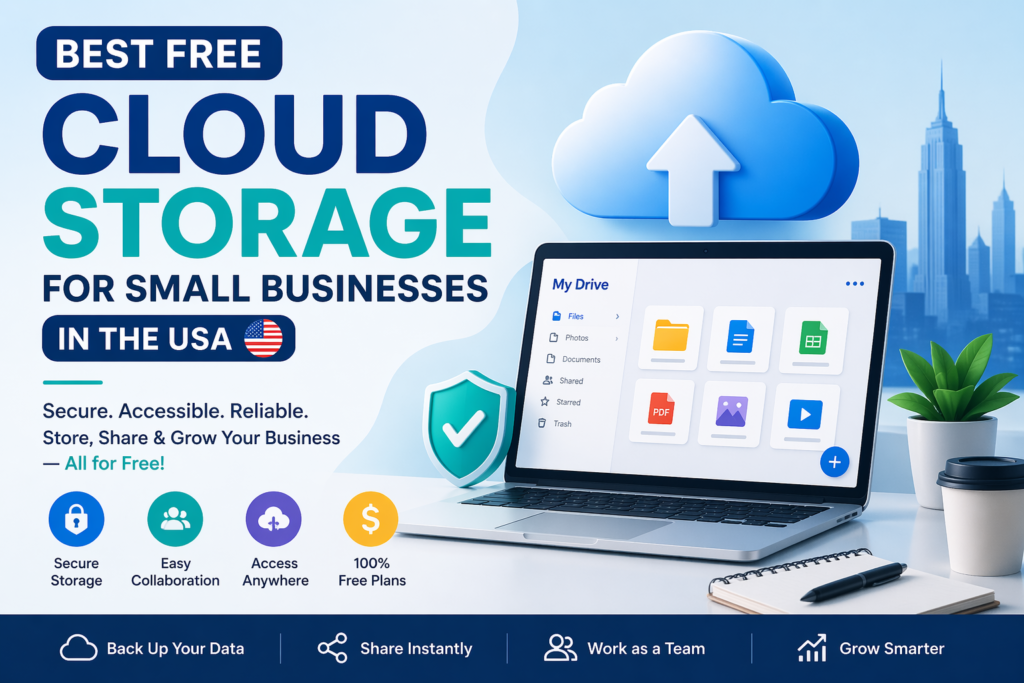
Free vs Paid Cloud Storage: When to Upgrade.
Free cloud storage is a great place to start, but it has shortcomings. As you expand your business, you might need additional storage, enhanced security, or improved collaboration solutions.
When your business grows and your data requirements rise, it would be required to upgrade to a paid plan. Nevertheless, a good number of small enterprises can get started using free plans in their initial phase.
The trick is to begin small, know what you need and only upgrade when it will really be beneficial.
Getting the most out of Free Cloud storage.
To have a free cloud storage working, some sort of strategy is necessary. Companies that are well-organized in terms of their files, extract redundant information, and work across various platforms tend to be the most valued.
Regular backup and the safety of vulnerable files is also good idea. Free cloud storage has the potential to help your business operations more than you may think with the right approach.
Common Challenges Small Businesses Face
Although cloud storage has numerous advantages, small businesses might face some difficulties, including the lack of storage capacity, problems with data organization, or security issues.
The appropriate platform selection and adherence to best practices are generally enough to cope with these obstacles. By knowing these possible problems at a young age, businesses can prevent problems in the future.
Conclusion
When selecting the most appropriate cloud storage solution to use with your small business in the USA, it is not a matter of choosing the most popular cloud service, but rather one that suits.
Whether you care more about storage space, collaboration or security, there is a free cloud storage solution that suits you. The best place to begin is platforms such as Google Drive or MEGA, although platforms such as Box and OneDrive have more organized workflows.
Ultimately, the correct decision is one that helps your business objectives, making your operations simple and effective.

Which is the most appropriate free cloud storage for small businesses in the USA?
The combination of storage space and collaboration features is regarded as one of the most effective solutions since Google Drive is widely considered one of the best.
Can business be trusted to free cloud storage?
Yes, the majority of the existing platforms are reliable in terms of performance and secure enough, so they can be used by small businesses.
Is cloud storage secure for small businesses?
Cloud storage companies have encryption and other security protocols; however, businesses are also advised to exercise best practices such as good passwords and access control.
Is it possible to rely on free cloud storage only by small businesses?
At the initial stages, free cloud storage is usually sufficient. Nevertheless, expanding companies might ultimately require an upgrade.